Complete guide to fixing 5G smartphone problems in India. Minimal clean design with coverage maps, battery solutions, speed issues, and operator-specific troubleshooting for Jio, Airtel, Vi networks.
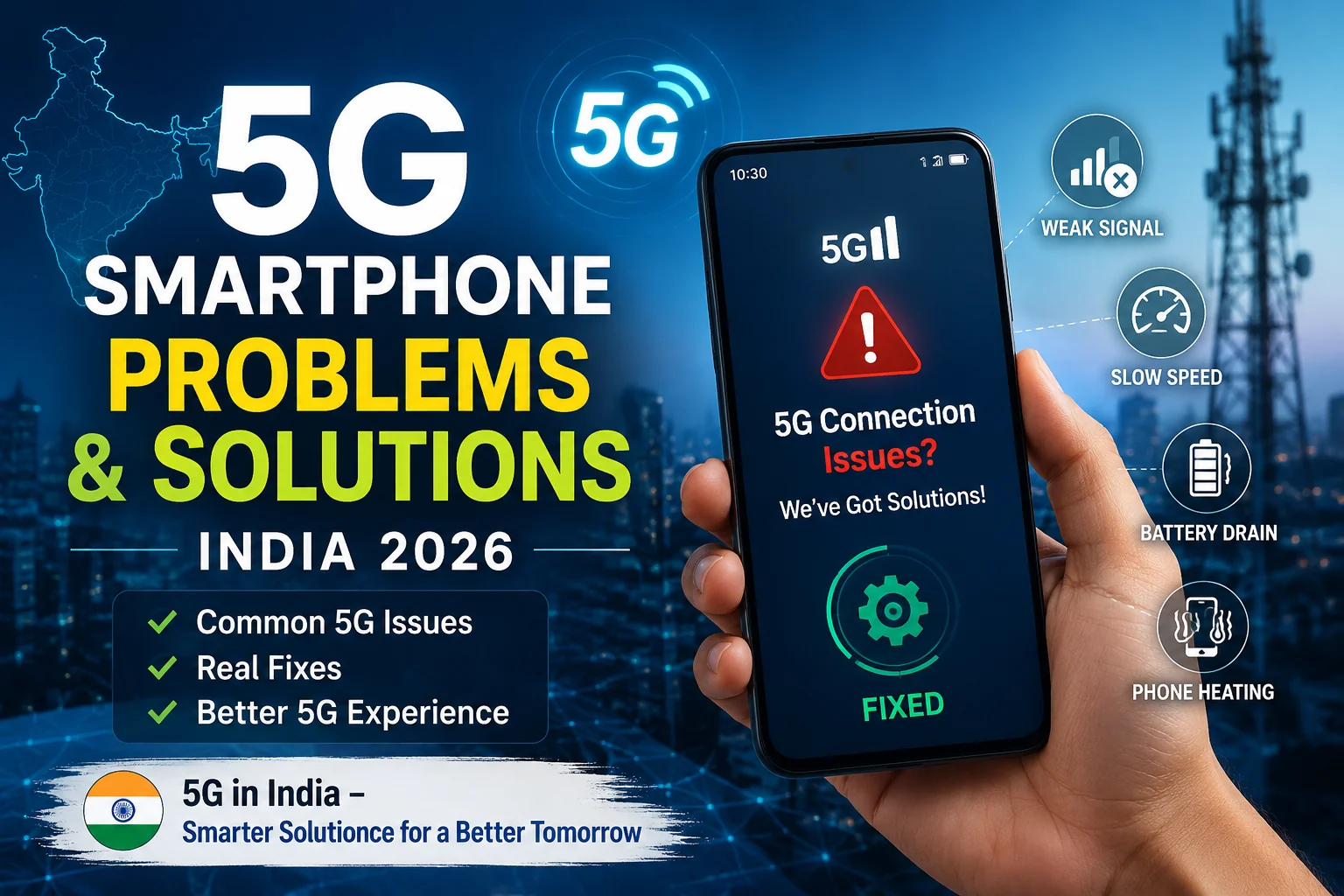
5G is still maturing in India, and users are facing various connectivity issues. Despite having 5G-compatible phones, many users experience problems ranging from no 5G signal to frequent connection drops. Based on extensive research into network deployments, operator-specific issues, and user complaints, this comprehensive guide addresses the most common 5G problems and their solutions. From coverage verification to network configuration, we'll help you get the most out of your 5G connection. For more mobile technology insights, check out our mobile and technology sections. Also read about 2026 El Niño impact on India for insights on environmental factors affecting network infrastructure.
5G is still maturing in India, and users face several common problems:
| Issue | Frequency | Cause | Quick Fix | Success Rate |
|---|---|---|---|---|
| No 5G Signal | Very High | No coverage/settings | Enable 5G in settings | 50% |
| 5G Drops to 4G | High | Weak coverage | Normal behavior | N/A |
| Battery Drain | High | More powerful modem | Switch to 4G | 80% |
| Overheating | Medium | Heavy use | Remove case, take breaks | 70% |
| Slow 5G Speeds | Medium | Congestion | Use off-peak hours | 40% |
| Connection Drops | Medium | Software glitch | Reset network settings | 65% |
If your phone supports 5G but you're not seeing 5G indicator:
Android: Settings → Mobile Network → Preferred Network Type → Select 5G/NR or 5G/4G/3G Auto
iPhone: Settings → Cellular → Cellular Data Options → Voice & Data → Select 5G Auto or 5G On
Use operator apps to verify 5G availability:
Some operators require activation:
5G requires latest software updates:
Most phones have better 5G antenna in the primary SIM slot. Move your 5G SIM to slot 1 (usually the top slot).
After enabling 5G in settings, restart your phone to activate the 5G modem properly.
5G coverage is still rolling out across India. Here's how to check:
Jio True 5G, Airtel Thanks, and Vi apps have real-time coverage maps showing where 5G is available in your city.
Visit TRAI's MySpeed portal to see 5G tower locations and coverage areas across India.
Ookla's 5G coverage map shows global 5G deployment, including India's major cities.
If people in your area have 5G working on their phones, your area has coverage.
| City Type | Jio 5G | Airtel 5G | Vi 5G | Notes |
|---|---|---|---|---|
| Major Metropolitan | 95% | 90% | 60% | Excellent coverage |
| Tier-1 Cities | 90% | 85% | 50% | Good coverage |
| Tier-2 Cities | 80% | 75% | 40% | Moderate coverage |
| Tier-3 Cities | 60% | 55% | 20% | Limited coverage |
| Smaller Towns | 30% | 25% | 5% | Very limited coverage |
5G consumes 20-30% more battery than 4G. Here's how to manage it:
5G modems generate more heat, especially during heavy use:
Some warmth during 5G use is normal, especially when downloading large files or streaming video. The phone will throttle performance to prevent damage.
5G not faster than 4G? Here's why and what to do:
| Cause | Solution | Expected Improvement |
|---|---|---|
| Network Congestion | Use off-peak hours | 40-60% faster |
| Distance from Tower | Move closer to window | 20-30% faster |
| Early Deployments | Wait for infrastructure upgrade | 30-50% faster in 6 months |
| Old Phone | Upgrade to newer model | 50-100% faster |
| Background Apps | Close unnecessary apps | 15-25% faster |
Keeping carrier settings updated is crucial for 5G:
Open MyJio app → Settings → Update carrier settings. Do this monthly for best 5G performance.
Open Airtel Thanks app → Settings → Update carrier settings. Also check for 5G SIM activation status.
Open Vi app → Settings → Update carrier settings. Ensure 5G is activated on your number.
Not all phones support 5G in India. Check your device:
Your phone must support these 5G bands for India:
| Category | Models | 5G Performance |
|---|---|---|
| Flagship | Samsung Galaxy S24 series, iPhone 15 series, Pixel 8 series | Excellent |
| Mid-range | OnePlus 12, Realme GT series, iQOO 12 | Very Good |
| Budget | Redmi Note 13 series, Samsung M34, Realme Narzo 70 Pro | Good |
Major Cities: 95%+ 5G coverage across major metropolitan areas
70-80% coverage in tier-2 cities
40-50% coverage in smaller cities (by late 2026)
20-30% coverage, focusing on digital infrastructure
If your area doesn't have 5G yet, it's likely coming within 6-12 months as operators expand rapidly.
5G may not show if: (1) Your area doesn't have 5G coverage yet, (2) 5G is not enabled in phone settings, (3) 5G is not activated on your number, (4) Phone software is outdated, (5) SIM is in secondary slot. Check coverage using operator apps, enable 5G in settings, and SMS "GET5G" to your operator to activate.
Yes, 5G consumes 20-30% more battery than 4G due to more powerful modems and faster data processing. To save battery, switch to 4G when you don't need 5G speeds, use 5G Auto mode on iPhone, close background apps, and avoid heavy tasks on 5G.
Your phone must support 5G bands used in India: n78 (all operators), n258 (Jio mmWave), n5 (Airtel). Check your phone's specifications online or on the manufacturer's website. Most phones launched in 2024-2026 support Indian 5G bands. Phones from 2020-2023 may have limited 5G support.
5G may be slower than 4G due to: (1) Network congestion during peak hours, (2) Distance from 5G tower (5G has shorter range), (3) Early 5G deployments with limited bandwidth, (4) Old phone with weaker 5G modem, (5) Background apps consuming bandwidth. Try moving closer to a window, using 5G during off-peak hours, or switching to 4G if 5G is consistently slow.
Jio 5G is usually automatic for eligible users. To check: SMS "GET5G" to 199. Download Jio True 5G app to verify coverage and activation status. If not activated after 48 hours, call Jio customer care at 198. Ensure your SIM is in the primary slot and 5G is enabled in phone settings.
5G deployment in smaller cities is ongoing. As of May 2026, smaller towns have limited 5G coverage (30% Jio, 25% Airtel). Coverage is expected to expand to 40-50% by late 2026. Use operator apps to check real-time coverage in your specific area. If 5G isn't available yet, expect rollout within 6-12 months.
5G modems generate more heat than 4G modems, especially during heavy use. Some warmth is normal. To reduce overheating: remove phone case, avoid direct sunlight, limit heavy tasks (gaming, 4K streaming) on 5G, take breaks to let phone cool down, and switch to 4G if phone gets too hot.
If battery life is a priority, use 5G/4G auto mode instead of 5G only. iPhone users should select "5G Auto" instead of "5G On" for better battery life. If you need maximum speeds and don't care about battery, keep 5G on. Switch to 4G when battery is low to extend usage time.
After sending "GET5G" SMS to your operator, activation typically takes 24-48 hours. Some users get activated within a few hours, others may take up to 3-4 days depending on location and network congestion. If not activated after 5 days, contact customer care.


Comments
Loading comments...